Designing with Claude Code
A new workflow for Design.
Matt Dahlberg
·
For years, the "handoff" was a point of friction. Designers built the vision; engineers built the reality. Claude Code changes this by allowing designers to interact with the codebase using natural language.
With Claude Skills the AI isn't just a chatbot but an agent capabile of executing complex tasks such as, Analyzing existing UI components and established patterns to ensure new designs reflect the design system. Also refactoring the CSS or Tailwind classes to match updated design tokens as well as generate functional prototypes directly from the editor moving beyond static frames.

The Magic of the Figma MCP Server
Perhaps on of the most exciting developments for any Designers' process is the Figma Model Context Protocol or MCP. This connector allow Claude to "see" and "read" your Figma files directly. Instead of manually copying hex codes or spacing values, you can prompt Claude Code to "update the primary button component in the React library to match the latest styles from the Design System."
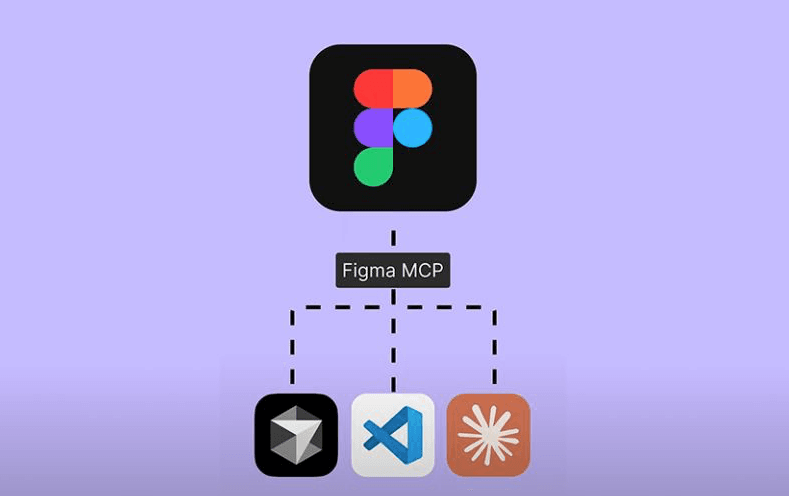
Claude reaches into Figma and pulls the latest specifications, and applies thos changes to the code. In turn breathing life into the Design System as a living entity that is in constant sync across both Figma and the code base with minimal effort.
An Optimistic Outlook
This isn't about AI replacing the designer, rather it's about removing the busy work of the design implementation.
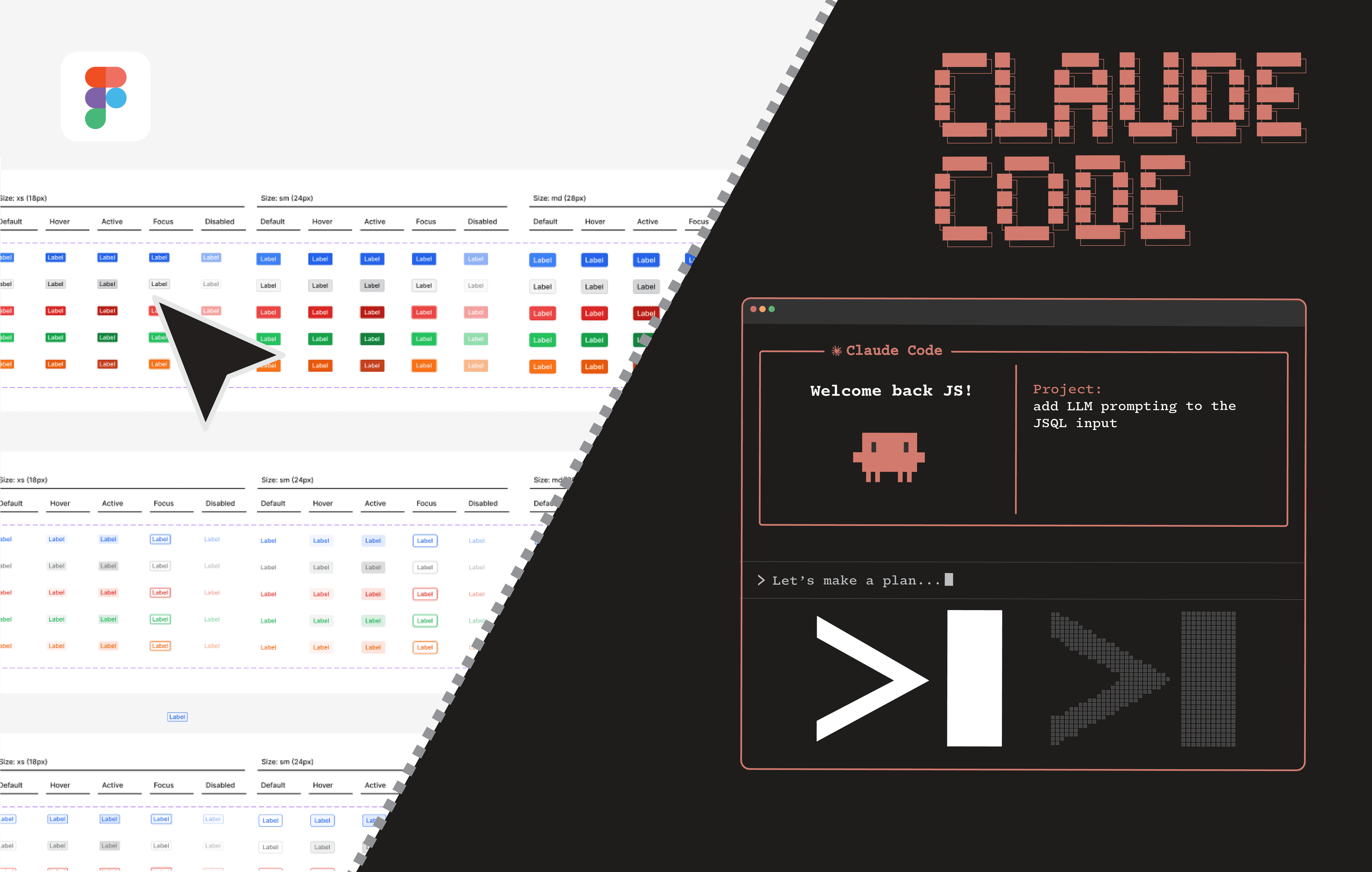
By leveraging Claude Code and the Figma MCP, designers are freed from the minutiae of tedious work and focus on solving high level problems, testing prototypes and iterating on the user experience. In today's world the distance between an idea and a shipped product has never been shorter and for Product Designers that is a very bright future indeed.